Resume Mistakes to Avoid in 2026: ATS, Formatting, and Content Fixes
Fix ten practical resume mistakes with truthful bullet examples, readable formatting, accurate contact details, and a final file review before applying.
Open Resume Kit Team · · 4 min read · Updated
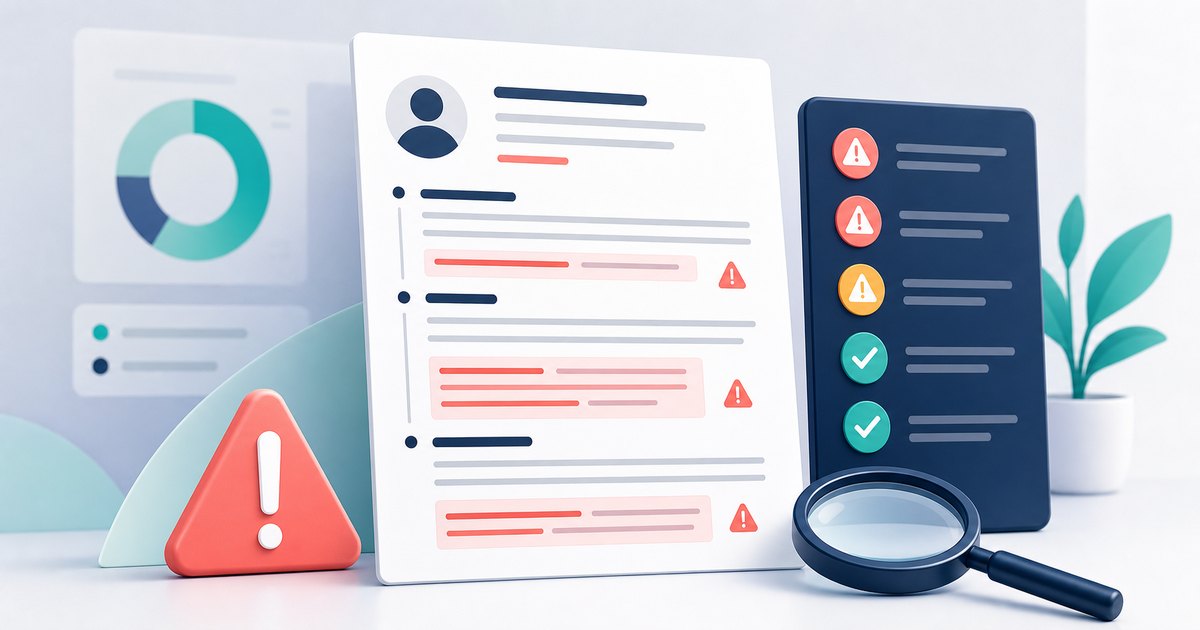
Resume mistakes can make your experience harder to understand or create problems when an application system extracts your details. They do not explain every rejection, and fixing them cannot guarantee an interview.
Use this checklist to review a real application. The examples are illustrative; keep your actual responsibilities, job titles, and results.
1. A Summary That Could Describe Anyone
A phrase such as "hardworking professional seeking a challenging opportunity" gives little evidence of fit.
Instead, name the relevant background and work you can support. For example: "Customer support specialist with experience documenting recurring product issues and preparing weekly service reports."
A summary is optional. Omit it if it repeats the rest of the page without helping the reader understand your target role.
2. Bullets That Hide Your Contribution
"Worked on reports" does not explain what you did. A clearer version, if true, is "Prepared weekly support reports in Excel and documented the definitions used by the team."
Add a result or metric when you can substantiate it. Do not invent numbers to satisfy a checklist. Do not change "assisted" to "led" unless you actually led the work.
3. Copying Keywords Without Evidence
A skills list should reflect your experience. Repeating a job description or adding tools you cannot discuss can create inconsistencies between your resume and interview.
Map each important requirement to a truthful skill, project, or work example. The tailoring guide explains how to make those choices.
4. Missing or Broken Contact Details
Check your email, phone number, location, and relevant links. Send yourself a test email if you are unsure about an address, and click the exported hyperlinks.
Use a recognizable address you monitor. A particular email provider, or the presence of digits in an address, does not establish whether someone is professional.
5. Important Information Hidden in Graphics
Contact details inside an image or text box can be difficult for some parsers to extract. Complex layouts can also affect reading order.
Greenhouse documents several such parsing limitations. That is evidence about one provider's behavior, not proof that every ATS rejects a particular design. See Greenhouse's resume parsing guidance.
Keep essential details as text and review any fields populated after uploading.
6. Unclear Dates or Inflated Titles
Use a consistent date style and your actual job titles. If a title needs context, add a brief explanation rather than replacing it with a more senior role.
For a career break, a short factual entry may help. You do not need to disclose sensitive personal details or invent activity to fill the gap. See the career-break guide.
7. Content That Does Not Support This Application
Prioritize relevant recent experience and strong evidence. Older work can remain useful when it supports the role; age alone is not a reason to remove it.
For example, keep an older database migration if the new job centers on migrations. Shorten an unrelated list of routine duties when space is limited.
8. A Rigid Rule About Page Count
There is no page count that fits every career. Do not remove important evidence merely because you have reached an arbitrary years-of-experience threshold.
For a short draft, avoid empty sections and repeated summaries. For a longer draft, check whether each section supports the target role. Use the two-page resume guide when a second page is justified.
9. Small Text and Inconsistent Formatting
Read the final file at normal viewing size. Check heading sizes, bullet spacing, date alignment, and contrast.
Edit repetition before making everything smaller. A compact layout is useful only if readers can still find and read the information.
10. Sending the File Without Checking It
Open the exported file, select and copy text, test links, and inspect every page. Check the requested format and filename.
Read job titles, company names, and dates separately to catch errors that ordinary spell-checking may miss. Ask another reader for feedback when possible.
The PDF review guide provides a practical export checklist. A pasted-text checker cannot verify the visual layout of the original file.
A Final Application Review
- Follow the employer's file and application instructions.
- Confirm that claims and examples are accurate.
- Check that the strongest relevant evidence is easy to find.
- Review the downloaded file and any automatically populated application fields.
- Keep an editable backup of the version you send.
Use the resume builder to make changes and the ATS checker for a separate review of pasted text. Neither tool can promise that an employer will shortlist you.