Free Resume Builder With No Login: PDF, Word, ATS Check, and Templates
Learn what a free no-login resume builder should include: ATS-friendly templates, PDF and Word export, custom sections, privacy, and one-page fit controls.
Open Resume Kit Team · · 3 min read
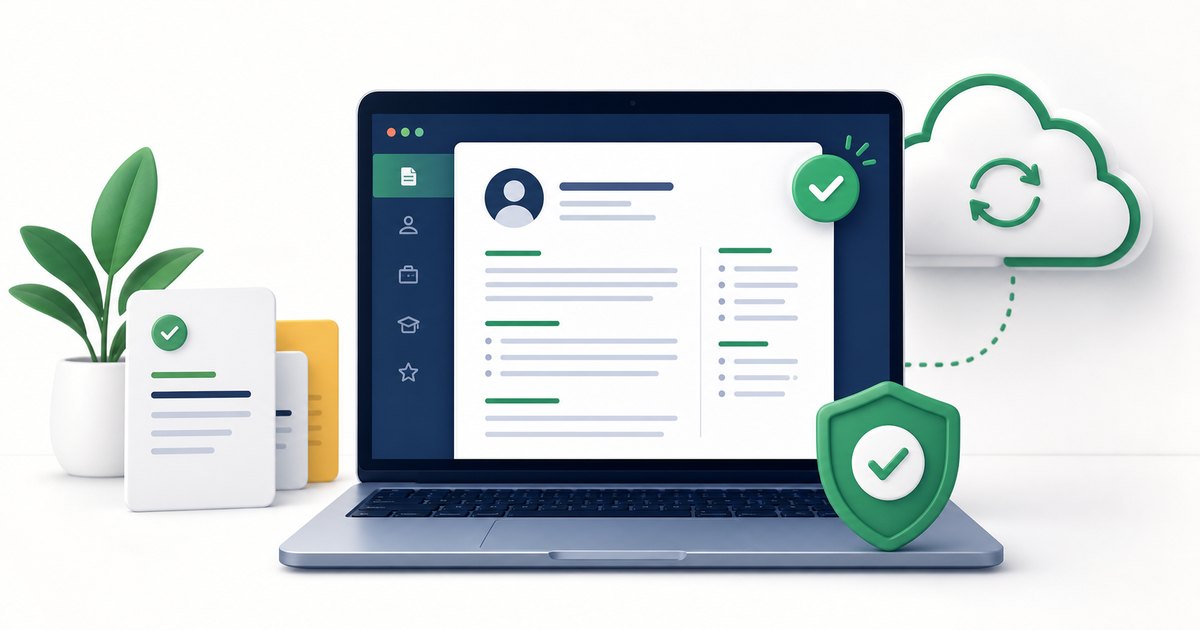
A free resume builder with no login should help you create a usable resume quickly without forcing you into an account, paywall, or surprise download step.
The best tools keep the process simple: enter your resume details, preview the layout, adjust spacing, and download a clean file.
Why No Login Matters
Job seekers often need to update a resume fast. Maybe a recruiter asked for a PDF today, or you found a job post that closes soon. A no-login resume builder removes friction.
It also helps privacy. You should not need to create an account just to test a template, write a resume, or export your own data.
What a Good Free Resume Builder Should Include
Look for these features:
- Free PDF download
- ATS-friendly templates
- No required signup
- Live preview
- Font and font size controls
- Custom sections for projects, hackathons, awards, or publications
- Clickable links for portfolios and projects
- Backup or JSON export
- Clear print settings
If a builder lets you write everything but asks for payment at download time, it is not truly free for practical use.
ATS-Friendly Templates
A resume builder should create a resume that both recruiters and applicant tracking systems can read. That means:
- Standard section headings
- Text-based content
- Readable fonts
- Simple spacing
- Clear dates and job titles
- No important text hidden inside images
Open Resume Kit includes multiple resume templates, including simple ATS-friendly layouts and more modern two-column options.
Customization Without Breaking the Resume
Good customization is controlled customization. You should be able to adjust the look without accidentally making the resume hard to read.
Useful controls include:
- Template selection
- Color scheme selection
- Custom primary and secondary colors
- Font family
- Font size
- Description line spacing
- Section order and visibility
These settings help you make the resume fit your content instead of forcing your content into one rigid layout.
One-Page Fit Controls
Many resumes spill onto a second page because of spacing, not because the content is too strong. A useful builder should help you reduce empty space before you delete good achievements.
Try:
- Lowering body font size slightly
- Tightening description line spacing
- Using a compact layout
- Hiding weak sections
- Removing repeated bullets
Open Resume Kit includes a One-Page Fit Assistant in the free resume builder to make this easier.
Privacy and Data Control
Before using any resume builder, check whether your resume text is stored on a server or kept in your browser. Resume content can include phone numbers, email addresses, work history, and private career details.
A privacy-friendly workflow gives you control over your resume data and lets you download or back it up.
Final Checklist
Before choosing a free no-login resume builder, ask:
- Can I download without paying?
- Can I use it without creating an account?
- Are the templates ATS-friendly?
- Can I adjust font size and spacing?
- Can I add custom sections?
- Can I export a clean PDF?
- Can I check the resume before applying?
Final Tip
The best free resume builder is not the one with the most decoration. It is the one that helps you create a clear, readable resume and download it without friction.
Start with the free resume builder, compare resume templates, then run your final draft through the ATS Resume Checker.