Open Resume Kit vs Resume.io vs Zety: Exports, Cost, and Control
Compare resume builder export options, editing control, and payment checks using documented features, with clear limits where current details could not be verified.
Open Resume Kit Team · · 3 min read · Updated
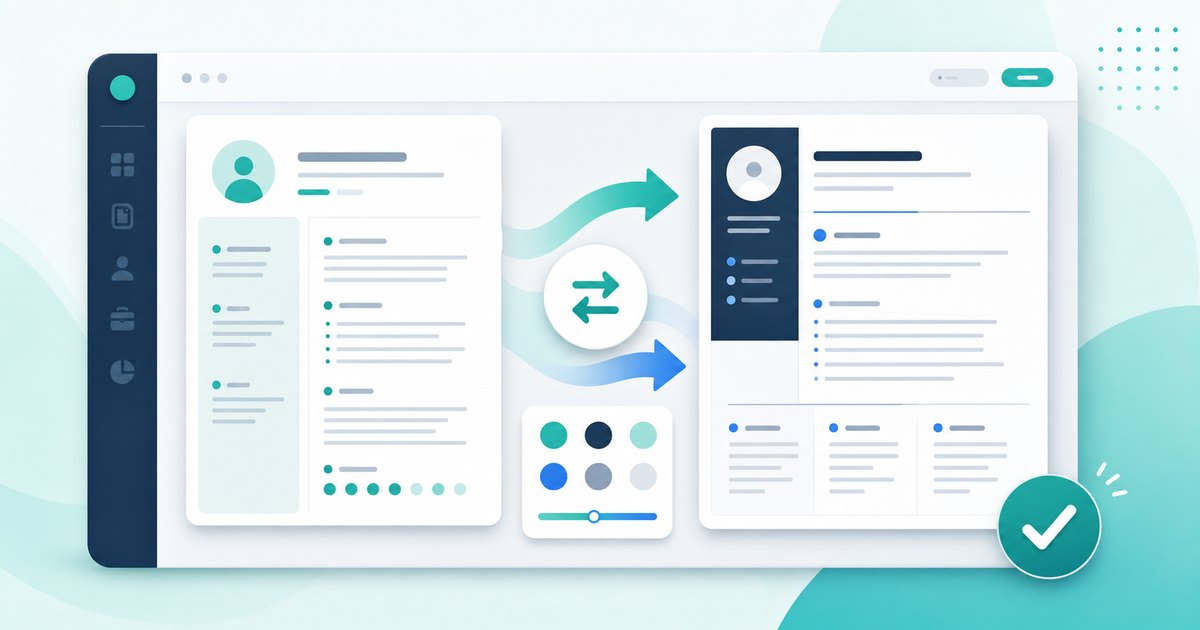
Choose a resume builder around the file you need to produce, the editing help you want, and how you prefer to store your draft. A free editor and a free formatted download are different things.
How This Comparison Was Prepared
Reviewed October 23, 2026. Open Resume Kit publishes this article and is one of the products discussed. Our own features were checked against this project's implementation. External statements below are based on linked official documentation, not a paid-account test or a measured hiring-outcome study.
We did not purchase subscriptions or run the same resume through all three services. There is no overall score or claim that one product produces more interviews.
Open Resume Kit: Local Editing and Free Exports
- Downloads: the builder provides PDF through browser printing, Word, Markdown, and LaTeX exports without a payment step.
- Editing: templates, custom sections, fonts, spacing, and section-order controls are available.
- Draft storage: the editable draft saves locally in the browser; JSON backup and restore are manual.
- Account: the builder does not require a login.
- Limitation: local storage does not provide account-based synchronization or version history. The local resume score is a set of heuristics, not an employer's screening result.
This can suit someone who already has content and wants layout control. Preview the templates and read the backup guide before relying on a local draft.
The no-login resume workflow does not mean the entire website has no analytics. See our Privacy Policy for site measurement details.
Zety: Check the Export Tier
Zety's official pricing page lists TXT downloads in the free package and PDF/Word downloads in paid packages. It also lists resume and cover-letter tools.
Its paid offers include recurring billing. Check the checkout shown to you for currency, introductory access, renewal interval, and cancellation terms. We are not reproducing a price here because offers can change.
Zety may be worth evaluating if its editor and writing workflow suit you and the applicable export terms fit your budget. These documented features are not a hands-on assessment of the quality of its output.
Resume.io: Current Limits Need Confirmation
We could not retrieve Resume.io's official pricing page or free-plan help page reliably during this review. Its current free PDF availability, template exceptions, prices, and renewal terms are therefore unverified here.
We have not filled that gap using competitors' reviews. Before entering a complete resume, check your selected template's download screen and applicable plan terms. This entry is a verification checklist, not a feature verdict.
A Practical Choice Example
Suppose you need one PDF today and already have your resume text. In Open Resume Kit, you can enter a short draft, export it, and check the file without purchasing a plan.
If you are considering another builder for its writing assistance, first try the editing flow with non-sensitive sample content. Confirm whether the format you need is available on the plan you intend to use. A TXT download does not preserve the template design of a PDF.
Check These Before Committing
- Can the selected template export the required file type?
- Can you edit dates, links, and custom sections without breaking the layout?
- How will you retrieve or delete your draft?
- Does a trial renew, and at what interval?
- Can you save a usable copy before changing plans?
Use the PDF inspection guide on whichever export you choose. For a broader cost decision, read free vs paid resume builders.